Skip to content
FaroPOS
Menu

Point of sale for oil-change shops & auto workshops

Bills keep printing when the internet doesn’t.

Faro POS runs on the Windows PC at your counter. Every bill, every litre of oil and every car’s service history is saved on that PC — not on a website waiting for a connection. In English, اردو or Roman Urdu.

Windows desktop software · Entry plan $20 a month (USD) · One-month free trial

Bills without internet

Billing runs on the counter PC. It only needs to reach our licence server once every 14 days.

Next service, worked out

Today's meter reading and the oil's rated life give the next service due.

Keyboard-first billing

Search, add, discount and save from the keyboard, or scan a barcode.

English, اردو, Roman Urdu

The whole app switches language, including right-to-left Urdu.

Built around the oil change

From the ramp to the next visit, in one place.

Faro is made for shops where most bills are an oil change, a filter and some labour — and where a customer coming back on time is the business.

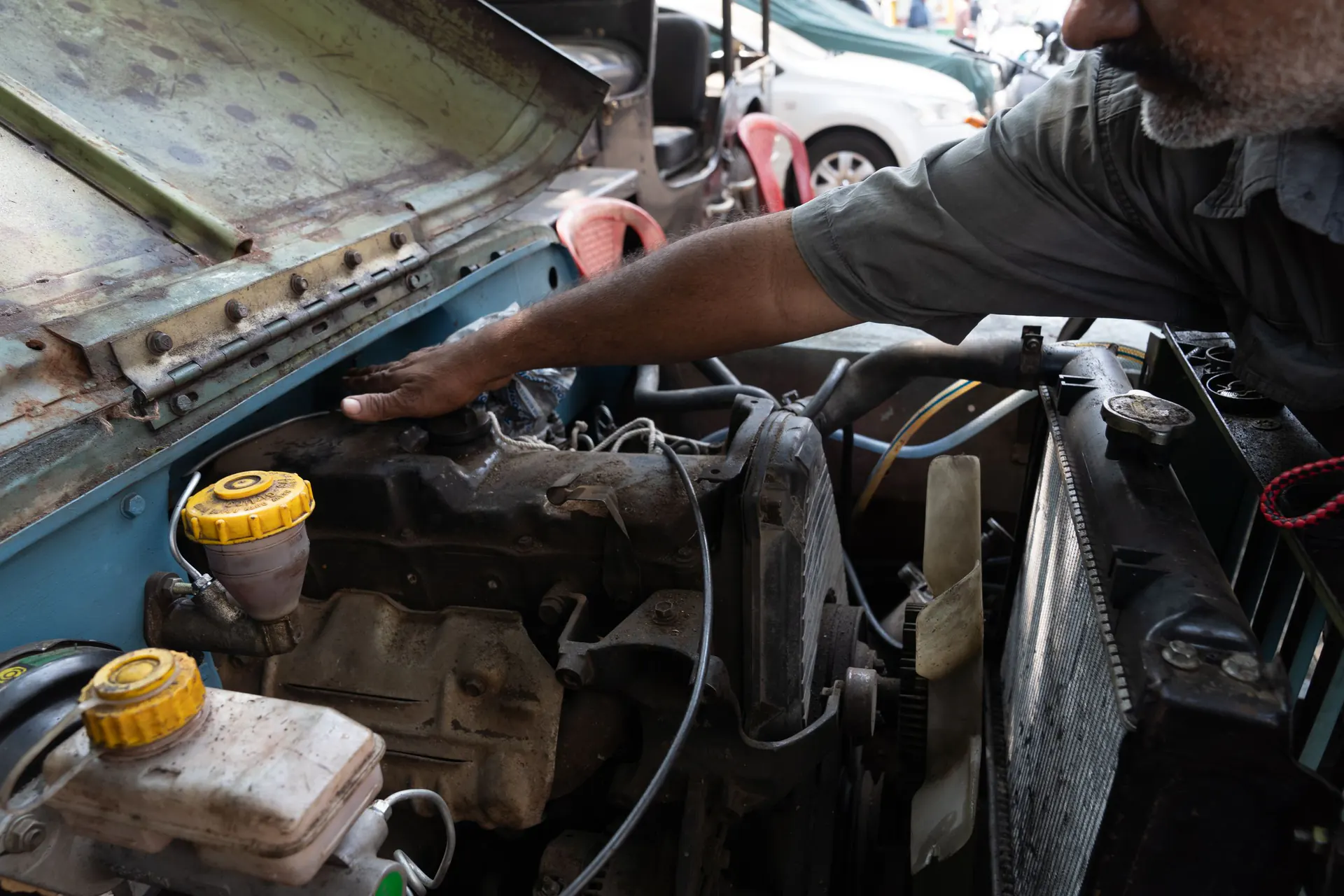
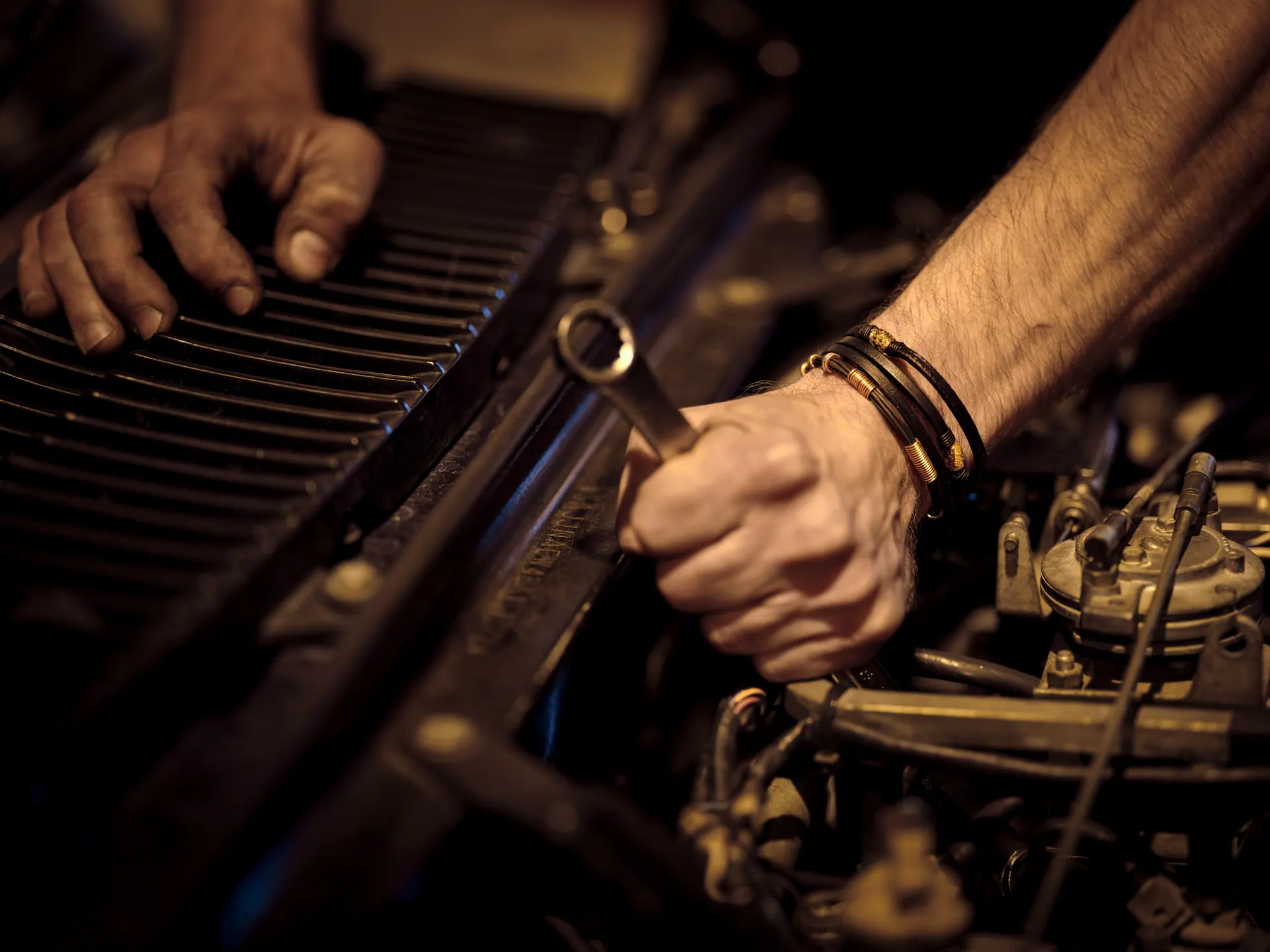
  1. A mechanic reaches into the engine bay of an older jeep at an open-air workshop.

    01

    Find the car

    Look a vehicle up by its number. The last service, the last meter reading and what went into the engine are on screen before the bonnet is open.

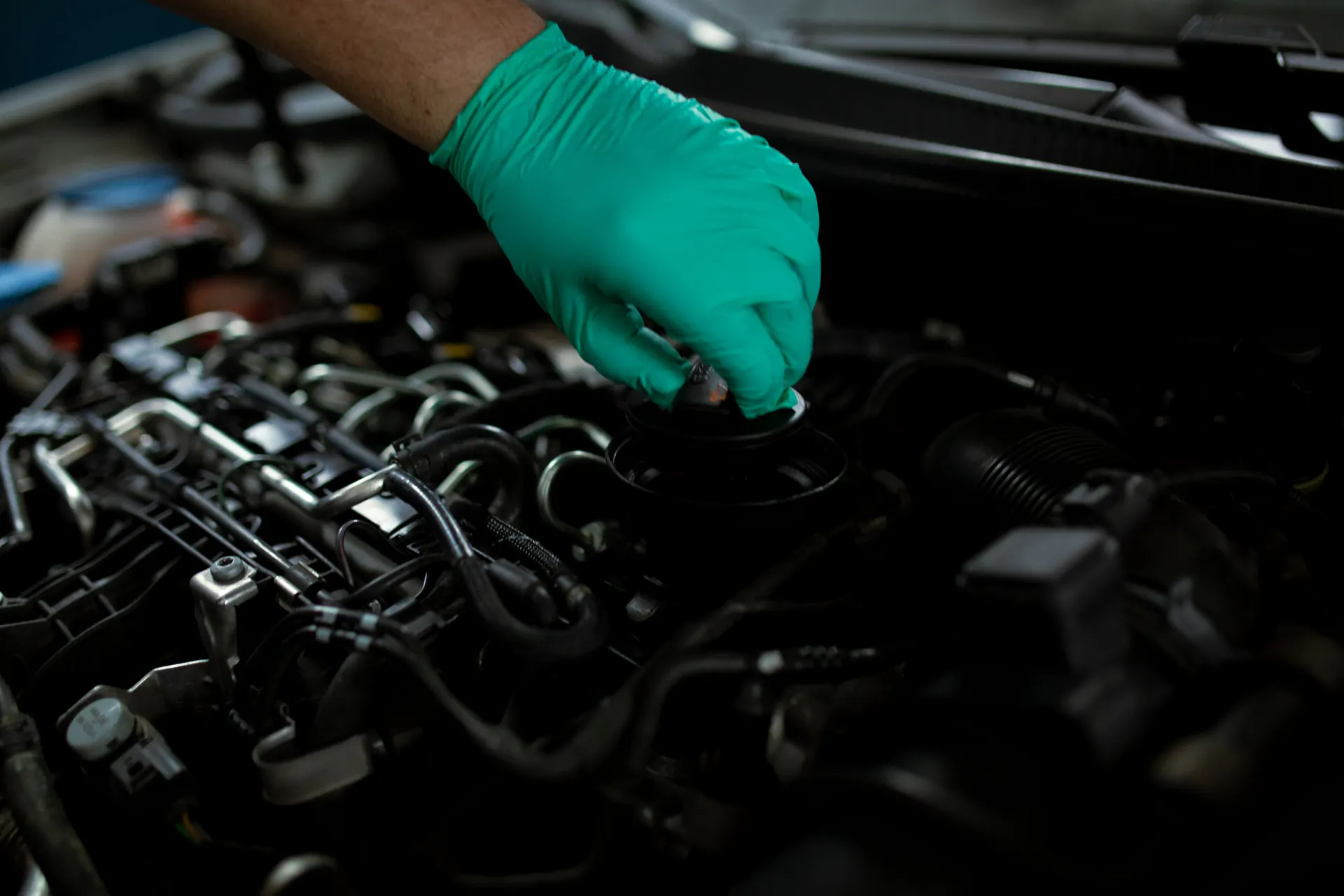
  2. A gloved hand opens the oil filler cap on a car engine.

    02

    Bill it from the keyboard

    Add oil, filter and labour by name, code or barcode scan. Discount one line or the whole bill, record which mechanic did the work, and keep the bill open while the car is still on the ramp.

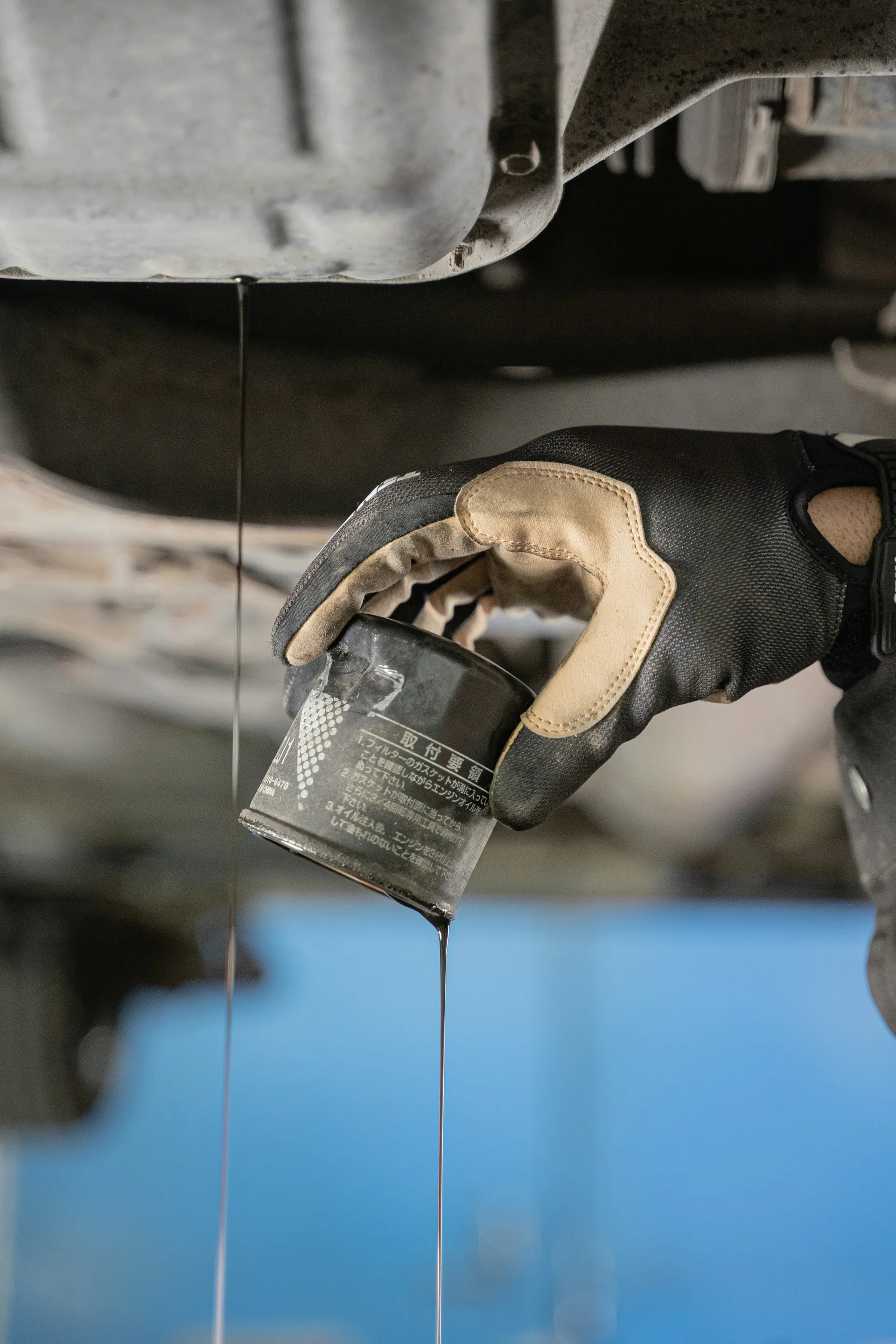
  3. A gloved hand removes an old oil filter as used engine oil drips from under a car.

    03

    Bring them back

    Faro works out when the next oil change is due from the meter reading and the oil used, and keeps the list of customers who are due — to remind by WhatsApp once connected, or by a call.

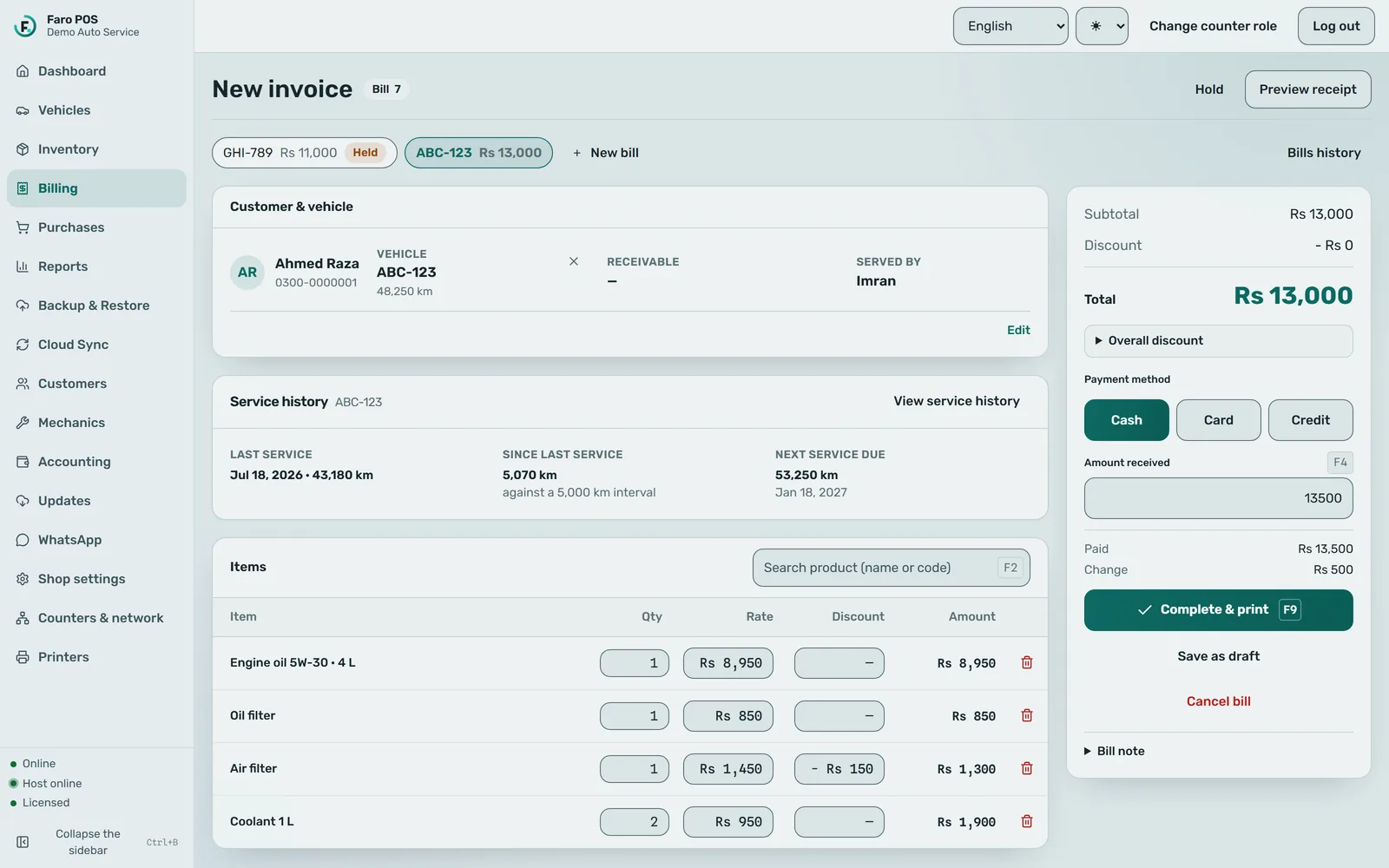
Faro POS billing screen with an open bill for vehicle ABC-123, customer Ahmed Raza, meter 48,250 km, served by Imran. Four lines (5W-30 engine oil, oil filter, air filter with a Rs 150 discount, two bottles of coolant) total Rs 13,000, paid in cash with Rs 500 change. A service panel shows the last service at 43,180 km and the next service due at 53,250 km on 18 January 2027. A second bill, for GHI-789, is on hold in a tab.
The billing screen of Faro POS, shown with fictional demo data.

A day at the counter

What the software does while you work.

No dashboards to babysit. Faro sits at the counter and keeps the records a busy workshop never has time to write down.

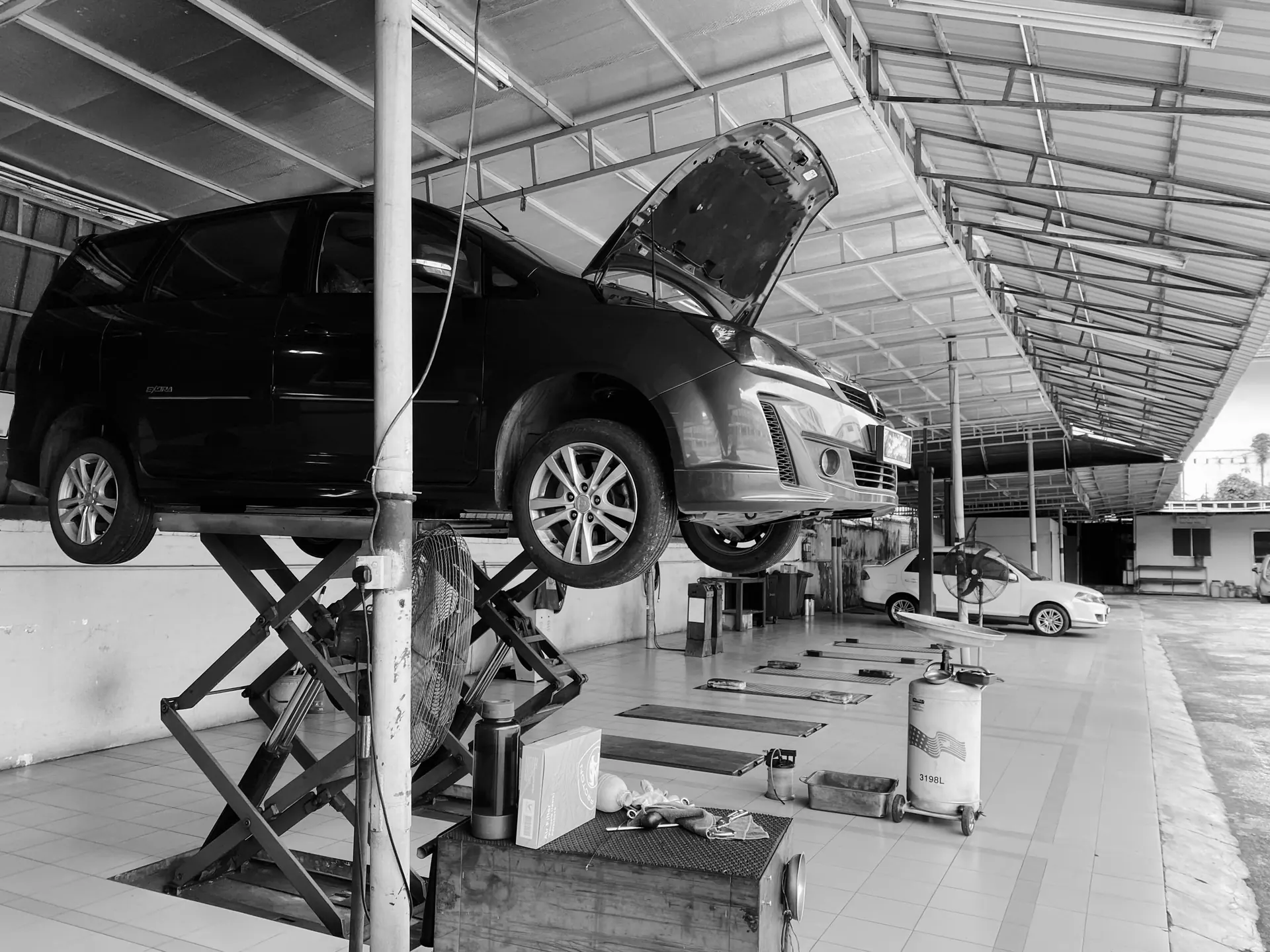
  1. Black-and-white view of a family car on a scissor lift with its bonnet open in an open-sided workshop.

    09:00

    Open the shutter

    Yesterday's bills, stock and customer balances are already on the counter PC. There is nothing to download before the first customer.

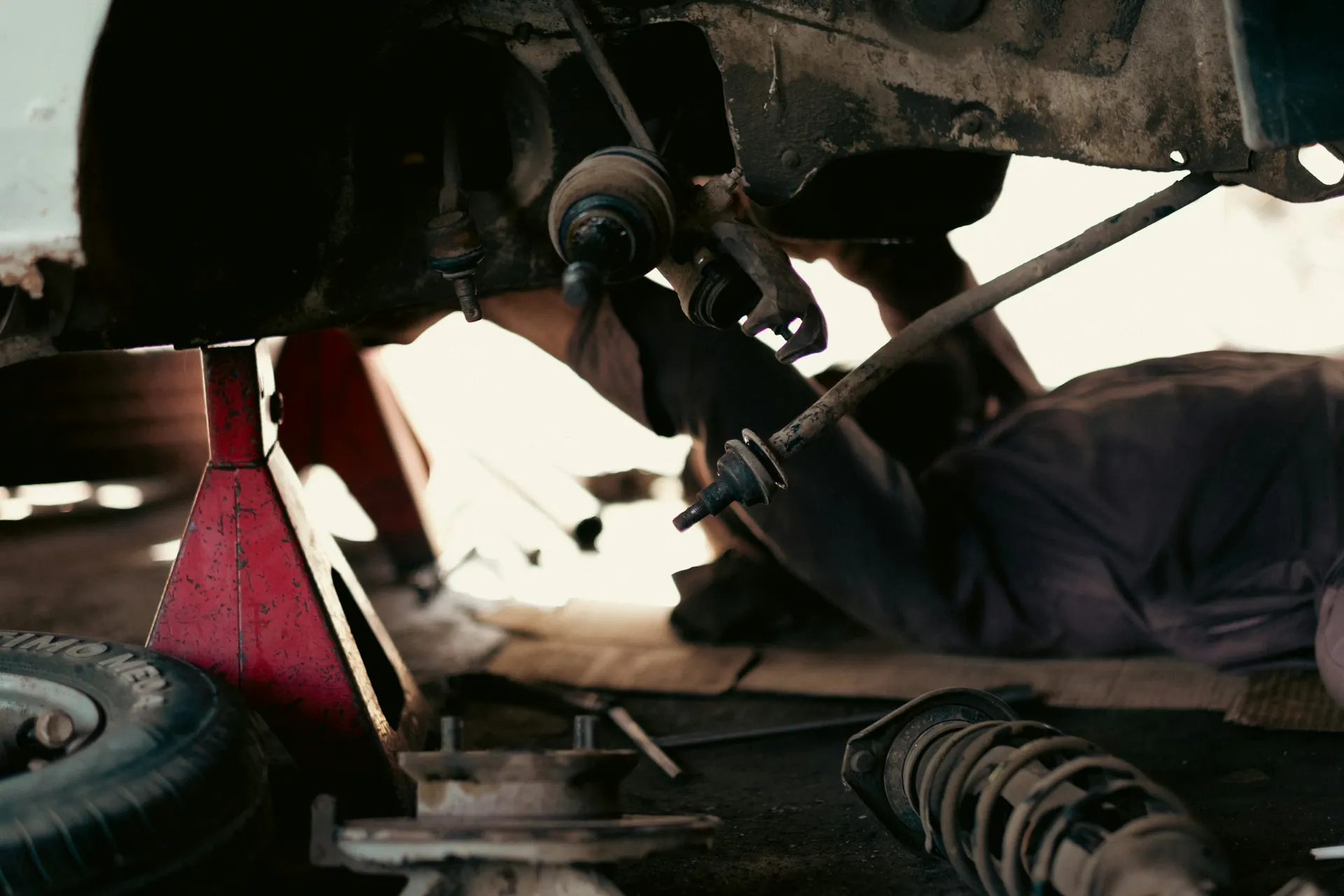
  2. A mechanic lies under a car propped on a red jack stand, with suspension parts on the floor.

    11:20

    A regular pulls in for an oil change

    Faro shows the last service and the last meter reading. Enter today’s reading, and the next service due is worked out and saved with the visit.

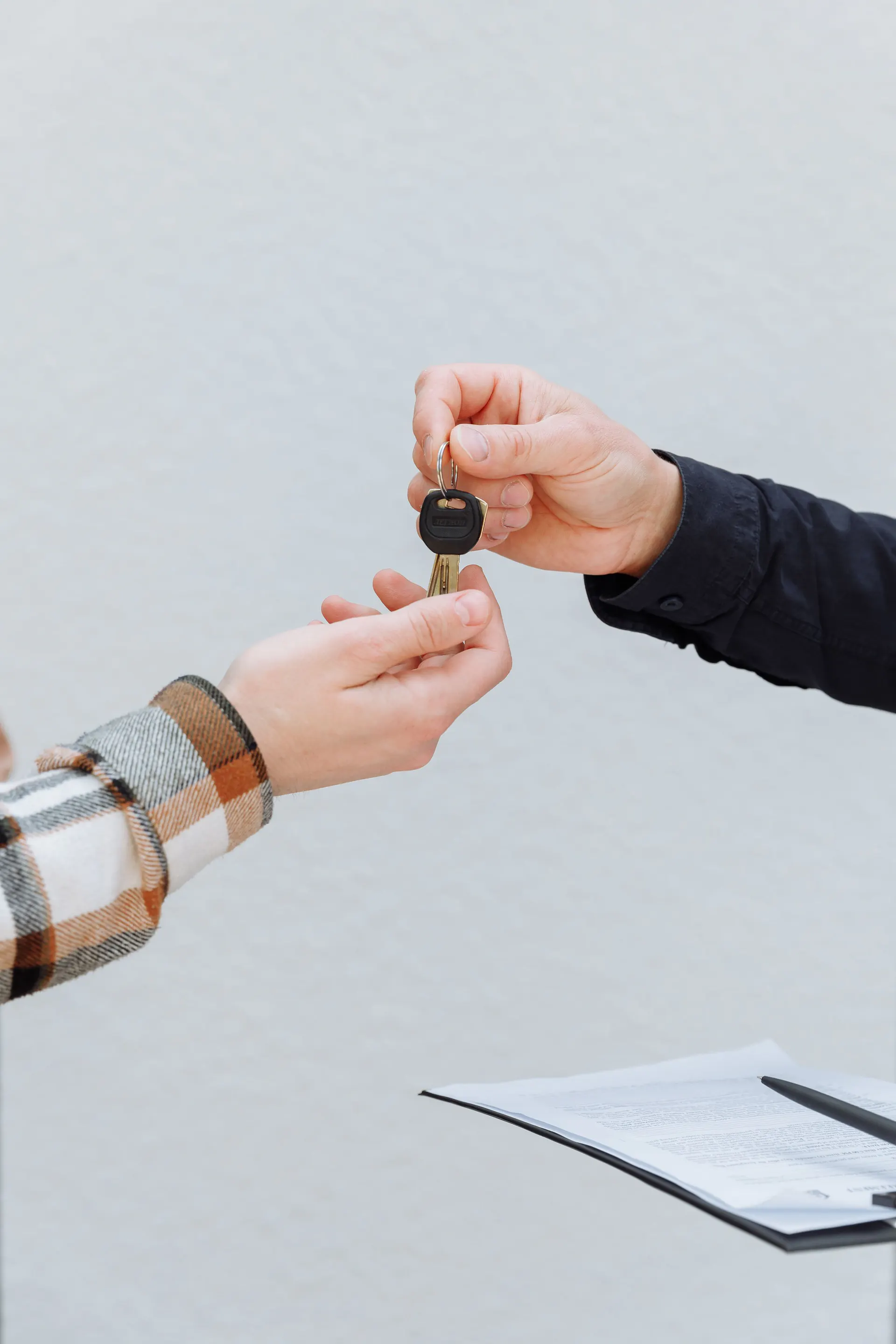
  3. One person hands a key to another, with paperwork on a clipboard nearby.

    11:45

    Keys back, bill printed

    The receipt prints on the 80 mm printer. Paid only part? The rest goes on the customer’s account (udhaar) with a note, and shows up in what customers owe.

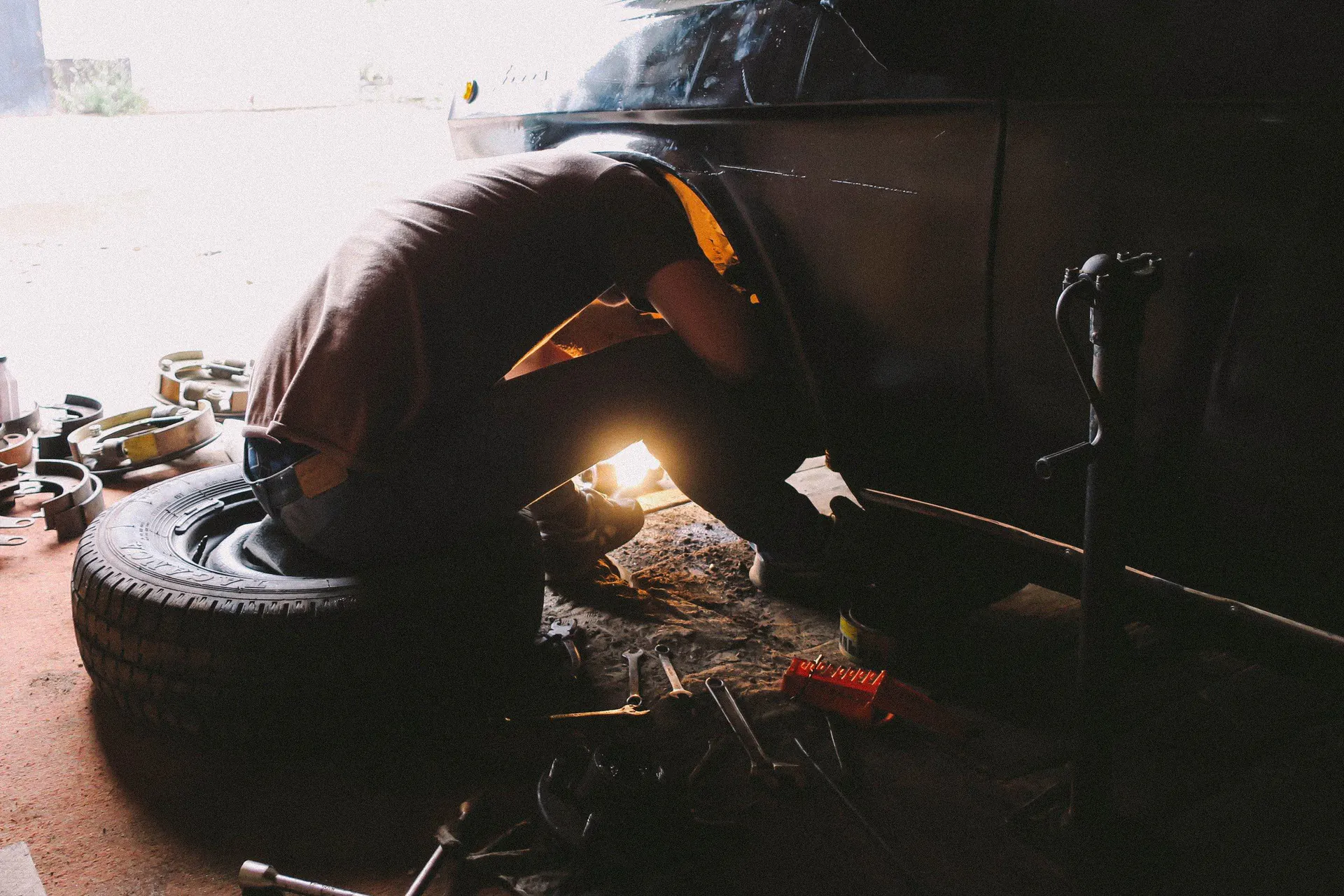
  4. A mechanic crouches by a car wheel in a dim workshop, lit by a hand-held work light.

    15:05

    The internet drops

    Billing carries on. Nothing at the counter was waiting for it — bills are saved on the PC the moment you finish them.

  5. 19:30

    Close the day

    Sales, purchases, expenses, the day book and what customers owe — on the counter PC. Owners who want it on their phone can sync a summary to the owner web dashboard when they choose to.

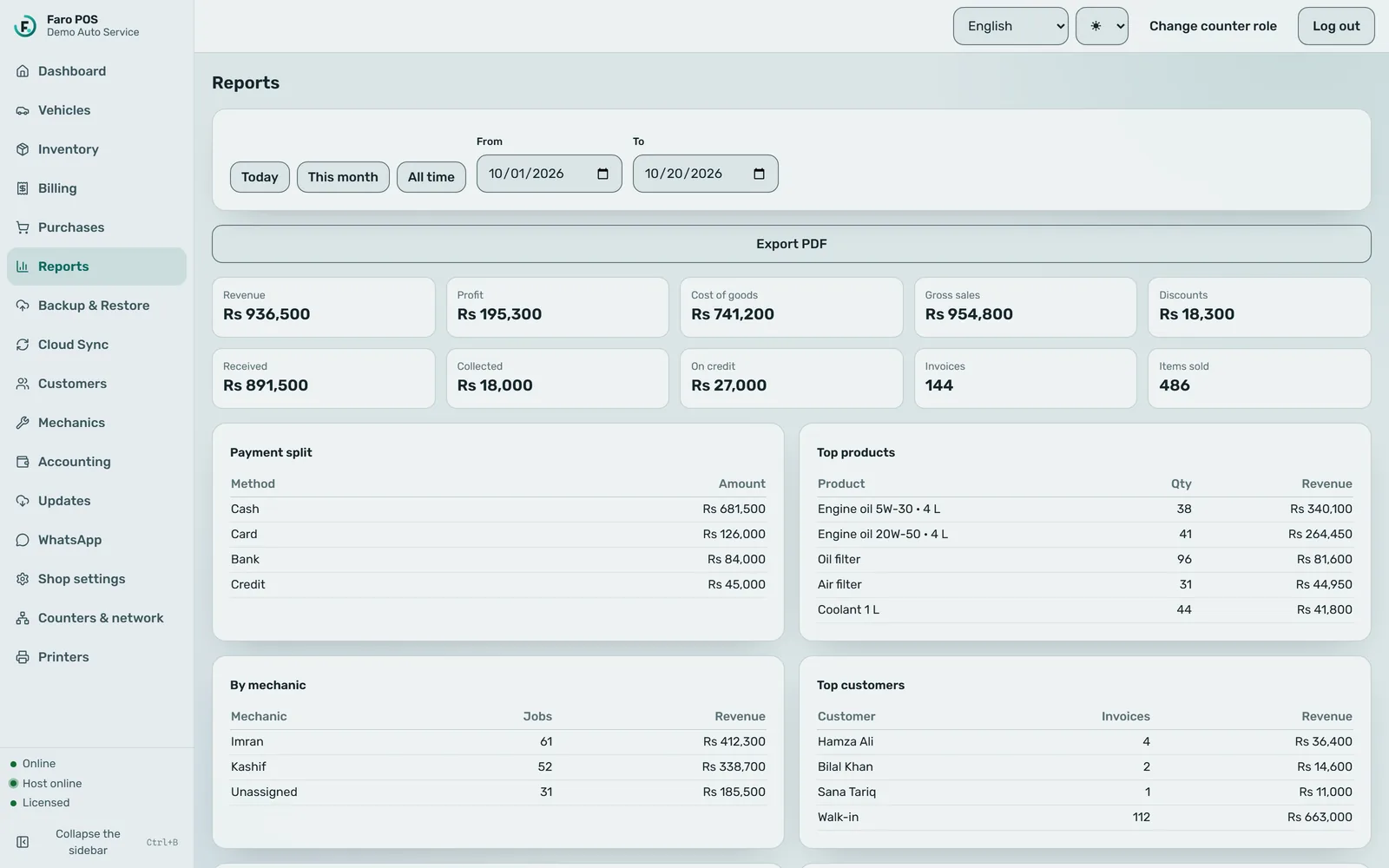
    Faro POS reports screen for 1 to 20 October 2026: tiles for revenue (Rs 936,500), profit, cost of goods, gross sales, discounts, amount received, collections, credit, invoice count and items sold, then tables for the payment split, top products, sales by mechanic and top customers.

Offline first

Your records live at your counter.

Most shop software is a website: when the connection goes, so does the counter. Faro is installed on the counter PC, so the counter keeps working.

  • Saved on the counter PC

    Bills, stock, customers and vehicles live in a database on the shop's own computer.

  • Keeps billing through outages

    Billing never waits for the internet. Faro must reach our licence server at least once every 14 days; past that it turns read-only until it can check in.

  • Encrypted cloud backup, if you want it

    On plans that include it, the database is encrypted on the PC before it is uploaded, and can be restored to a new PC.

  • A web dashboard for the owner

    Sync a summary — sales, profit, top products, what customers owe — to the owner dashboard when you choose. Summaries, not every bill.

Three languages

Your staff read it the way they speak it.

Switch the whole app between English, Urdu and Roman Urdu at any time. Urdu is laid out right-to-left. These are the app's own words, not translations made for this page.

English

New bill

Next service due

Next-service reminder

اردو

نیا بل

اگلی سروس واجب

اگلی سروس کی یاد دہانی

Roman Urdu

Naya bill

Agli service due

Agli service ki yaad dehani

WhatsApp

Bills and service reminders, from your own number.

Faro can send a customer their bill and, later, a reminder that the next service is due. Messages go from your shop's own WhatsApp Business account under your shop's name, and Meta bills that account directly. Faro does not resell or mark up messages.

  • Waiting on approval

    Official WhatsApp Business connection. Our connection to Meta’s WhatsApp Business Platform is in Meta’s review. Until it is approved, new shops cannot be connected this way.

  • Waiting on approval

    The bill as a PDF attachment. This needs a message format approved by Meta. Until then the bill goes as a text message that still carries the amount and the balance.

  • Available now

    Customers who say no are not messaged. Mark a customer as opted out and Faro stops every message to them.

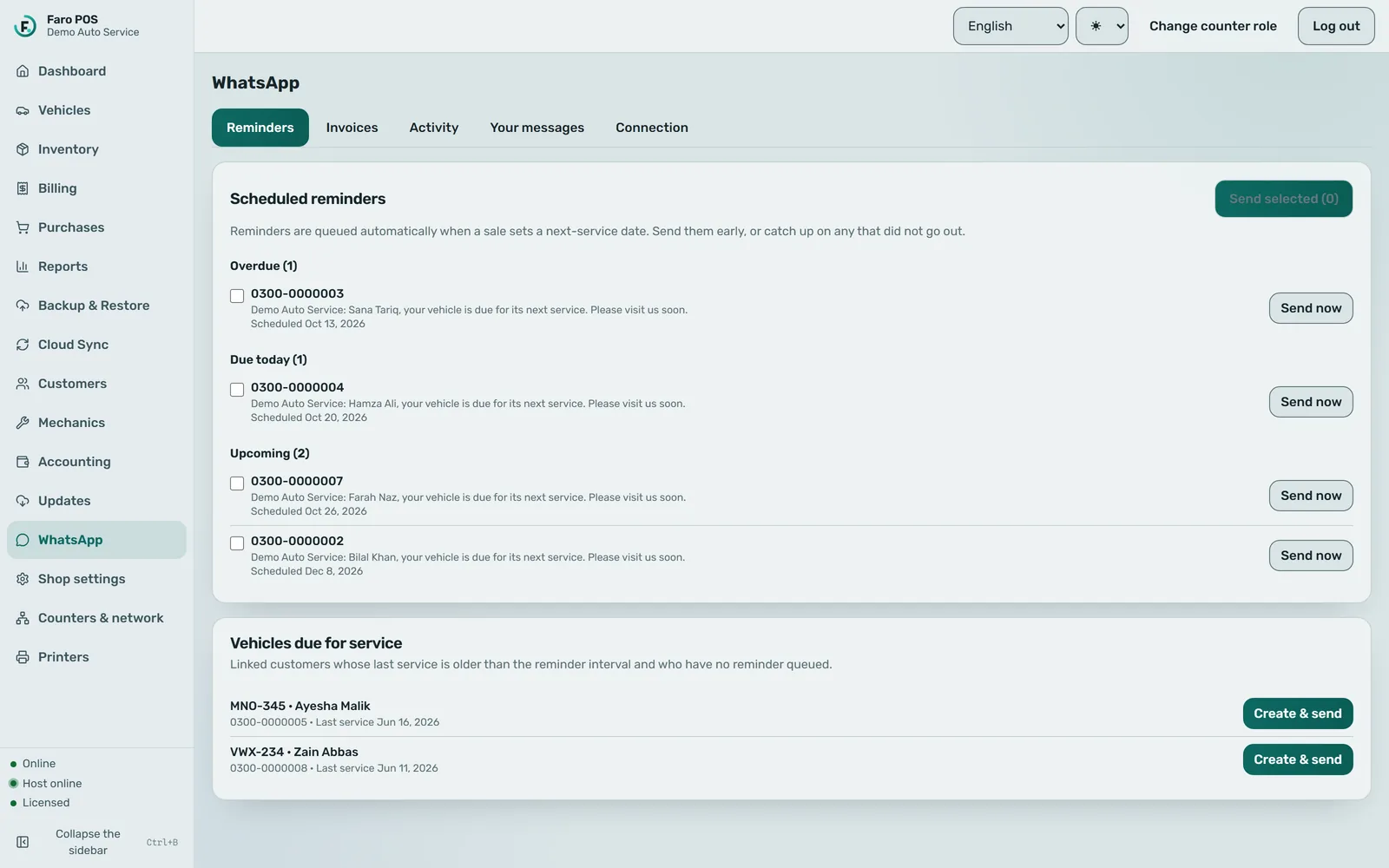
Faro POS WhatsApp screen on the Reminders tab: four scheduled next-service reminders grouped as overdue, due today and upcoming, each showing a placeholder phone number, the reminder text, its scheduled date and a Send now button. Below them, two vehicles are listed as due for service with no reminder queued yet.

Hardware

Runs on what a counter already has.

Today each shop runs Faro on one counter PC. Several counters sharing one shop over the local network is built and being hardened before we offer it.

  • A Windows PC

    Faro is Windows desktop software. There is no Mac version.

  • 80 mm receipt printer

    USB or network printers installed in Windows, and ESC/POS thermal printers. Setup ends with a test print you confirm.

  • Barcode scanner

    Scanners that type like a keyboard work as they are.

  • Cash drawer

    Compatible ESC/POS cash drawers can be opened through the receipt printer.

Pricing

One price, in US dollars, wherever your workshop is.

The entry plan costs the same in every country. Annual billing and plans for bigger workshops are still being finalised, so they are marked “to be confirmed” rather than guessed.

Entry plan · worldwide

Faro POS entry plan price

$20per month

Billed in USD · the same price in every country

One-month free trial

Online sign-up is not open yet, so for now we set up your subscription with you directly.

  • The full counter app: billing, stock, customers, vehicles and receipts
  • English, Urdu and Roman Urdu
  • Payments through Paddle, our merchant of record
Annual billing
To be confirmed
Plans for more counters and shops
To be confirmed

See it running on a counter like yours.

We’ll walk through a real oil-change bill with you, in the language your staff use. Message us to book a time.